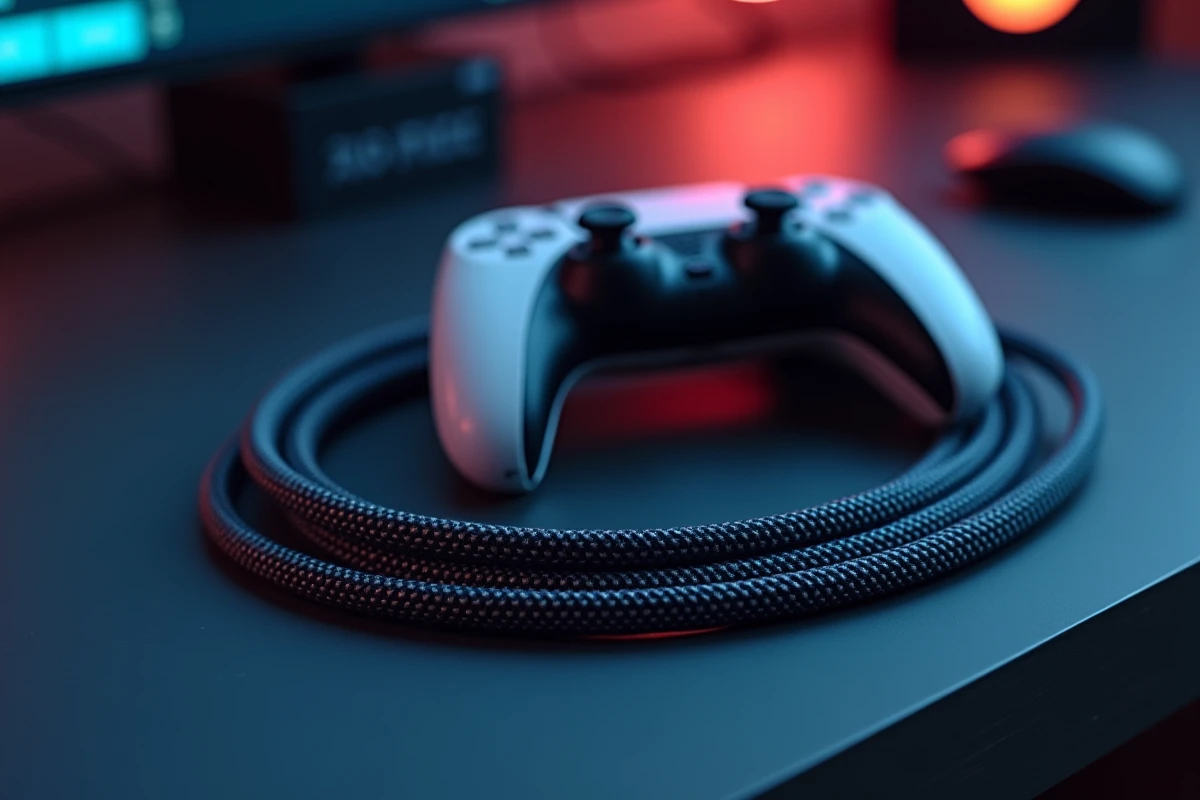
The PS5 features an HDMI 2.1 port capable of transmitting a 4K video signal at 120 frames per second. For this signal to reach the screen intact, the cable connecting the console to the television must support a sufficient bandwidth and withstand daily use without damaging the console’s port.
Mechanical Risks on the PS5 HDMI Port
Competitors often talk a lot about standards and bandwidths. They overlook a problem that repair shops are increasingly noticing: HDMI ports damaged by cables that are too rigid or too heavy.
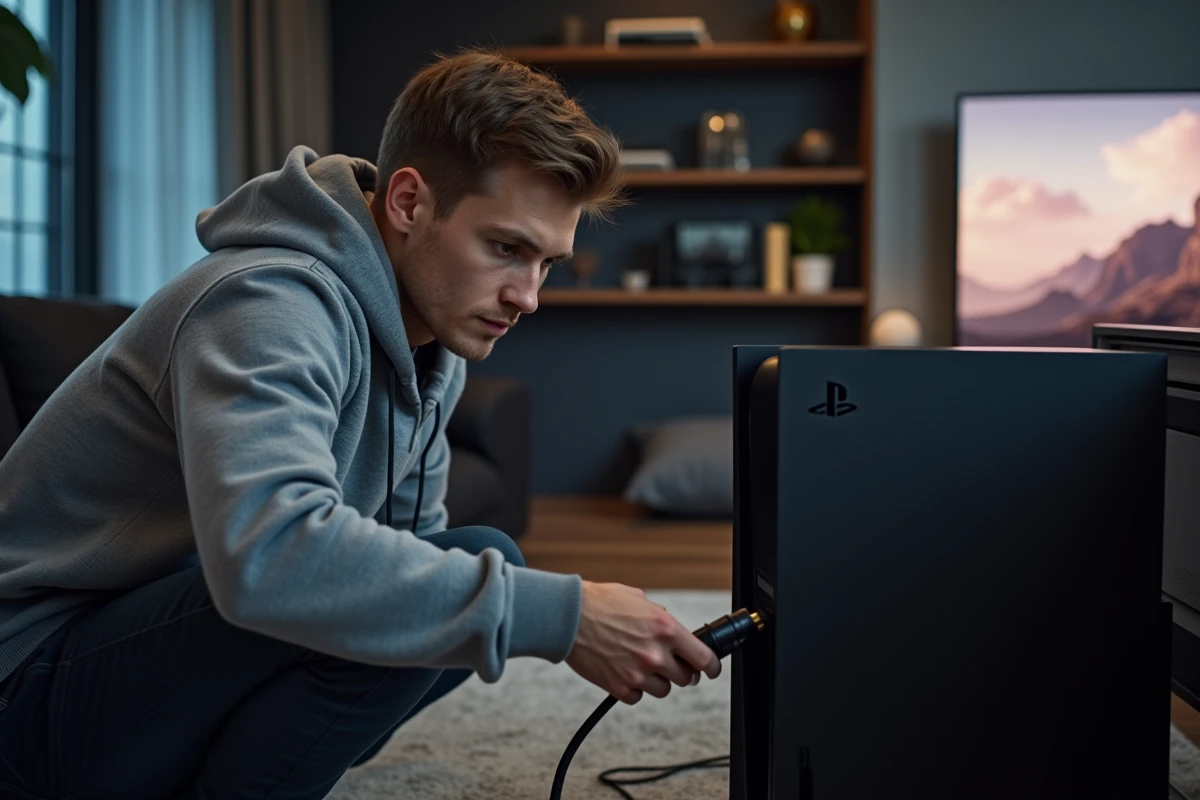
Several specialized workshops, including Cell Phone Repair (CPR), report an increase in interventions on the internal pins of the PS5’s HDMI port, including on the Slim model. The scenario is almost always the same: a thick and inflexible cable, stuck behind a TV stand, exerts constant tension on the connector. The pins bend and then break.
Before comparing HDMI versions, it is essential to know which HDMI cable to choose for PS5 considering its flexibility and weight, not just its technical specifications.
- A heavy or heavily bent cable constantly pulls on the port and wears out the internal pins over time.
- The absence of a strain relief (the small rubber reinforcement at the base of the connector) accelerates this phenomenon.
- Moving the console while the cable is plugged in remains the most common cause of breakage according to CPR.
Opting for a flexible cable of reasonable diameter and ensuring that the connector does not hang in the void behind the furniture protects the console much more effectively than a “premium” rigid cable sold at three times the price.
HDMI 2.1 Standard and 48 Gbps Bandwidth: What the PS5 Really Uses
The HDMI 2.1 standard defines a theoretical ceiling of 48 Gbps of bandwidth. This bandwidth allows for the transmission of a 4K stream at 120 Hz, dynamic HDR, variable refresh rate (VRR), and automatic low latency mode (ALLM).
The PS5 utilizes all of these functions. An HDMI 2.0 cable (18 Gbps) can pass 4K at 60 Hz but blocks 120 Hz and may disable VRR. If the television or monitor supports 120 Hz, a cable limited to the 2.0 standard becomes the weak link in the chain.
Ultra High Speed Certification: The Only Reliable Benchmark
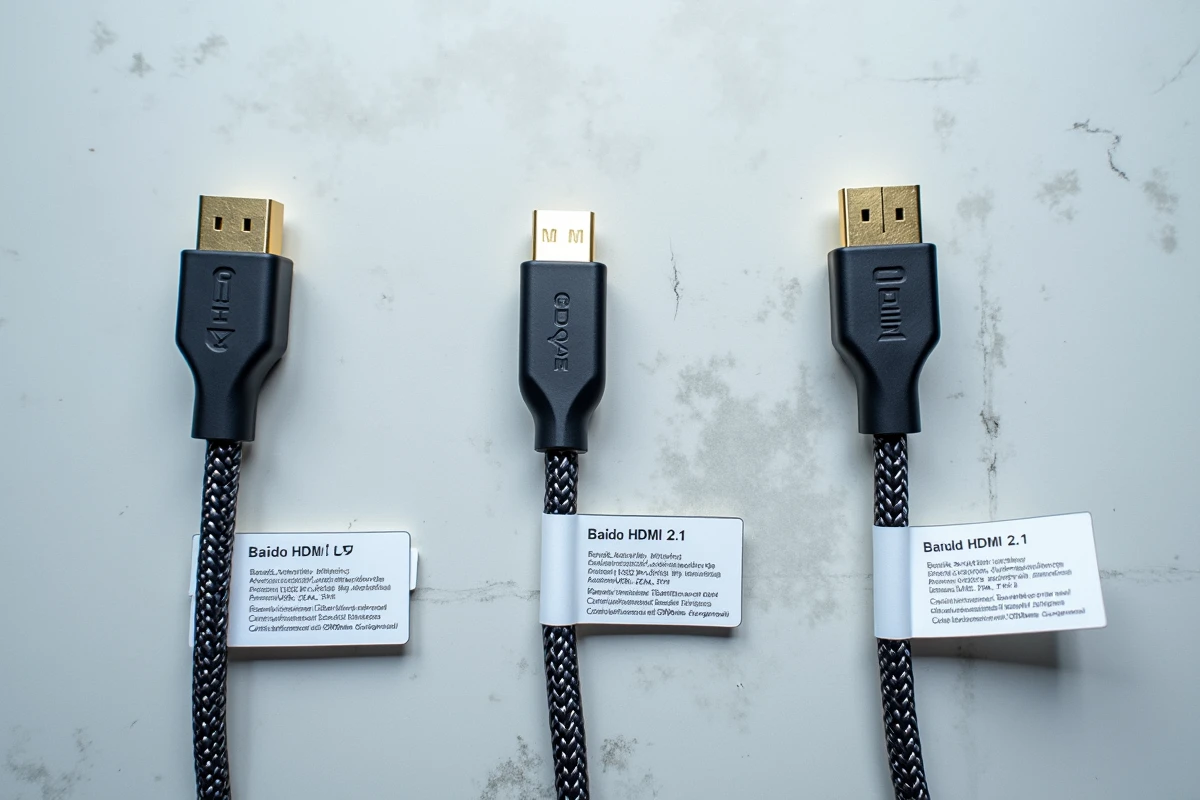
The mention of “HDMI 2.1” on packaging does not legally guarantee much. The Ultra High Speed certification program, managed by HDMI Licensing, tests the cable in a lab and ensures that it can indeed support 48 Gbps. A QR code on the packaging allows verification of the certificate’s authenticity.
Cables labeled “8K” or “48 Gbps” but lacking this certification provide no guarantee of actual compliance. As industry specialists at Conversionstech point out, the difference between announced HDMI 2.1 compliance and the actual quality of the product remains a common trap.
PS5 HDMI Cable: Length, Connector, and Build Quality
The cable provided with the PS5 measures about two meters and complies with the HDMI 2.1 standard. For most setups, this length is sufficient. Replacing it is only justified in three cases: lost or damaged cable, greater distance between the console and the screen, or damaged connector.
Length and Signal Attenuation
The longer an HDMI cable is, the more the signal attenuates. Below three meters, the loss remains negligible on a certified Ultra High Speed cable. Beyond that, the risk of micro-cuts or flickering at 4K 120 Hz increases, especially with entry-level cables.
If the setup requires more than three meters, an active optical fiber cable maintains the signal over long distances but costs significantly more than a passive copper cable.
Connectors and Finishes to Check
- Gold-plated connectors resist oxidation better than simple nickel plating, even if the difference in conductivity remains marginal.
- A flexible braided sheath protects the cable from bends without adding excessive rigidity.
- The presence of a strain relief at the base of the connector reduces mechanical stress on the console’s port.
PlayStation Licensed Cables and Third-Party Alternatives
Several manufacturers now offer HDMI 2.1 cables with official PlayStation licensing. Hori and PowerA market models specifically designed for the PS5, with Ultra High Speed certification and a design tailored to the console’s dimensions.
These licensed cables do not carry a “better” signal than a certified third-party cable. The advantage lies in the guarantee of compatibility tested by Sony and often in a cable diameter and flexibility calibrated not to strain the port.
A certified Ultra High Speed third-party cable from a recognized brand (Club 3D, Belkin, Cable Matters) offers identical performance, sometimes at a lower price. The decisive criterion remains certification, not licensing.
The audio and video configuration in the PS5 settings allows you to check if the cable is transmitting the expected signal correctly. The “Video Output Information” menu displays the resolution, refresh rate, and HDR status in real-time. An unsuitable cable can be immediately identified: 120 Hz or VRR appears grayed out, and the console automatically suggests a degraded mode.